No Signal at Home: The Coverage Illusion Millions of UK Households Are Paying For

You've checked the map. Your postcode sits comfortably inside a solid block of coverage colour — pink, purple, or whatever shade your network has chosen to reassure you. Yet every evening, without fail, you wander to the window, hold your phone aloft like some kind of digital divining rod, and pray for a single bar. Sound familiar? You're far from alone.
According to Ofcom's own research, roughly a quarter of UK adults regularly experience poor indoor mobile signal at home. That's millions of households paying between £20 and £60 a month for a service that, the moment they step inside their own front door, simply stops working properly. And the networks? They've been getting away with it for years.
Outdoor Coverage Is Not Indoor Coverage — And Networks Know It
Here's the thing the big four operators would rather you didn't dwell on: their coverage maps almost exclusively reflect outdoor signal predictions. The data is generated by modelling tools that calculate signal strength based on transmitter locations, terrain, and population density. What those models don't account for is your solid Victorian brick walls, your double-glazed windows, your reinforced concrete ceiling, or the steel-framed new-build that somehow blocks signal like a Faraday cage.
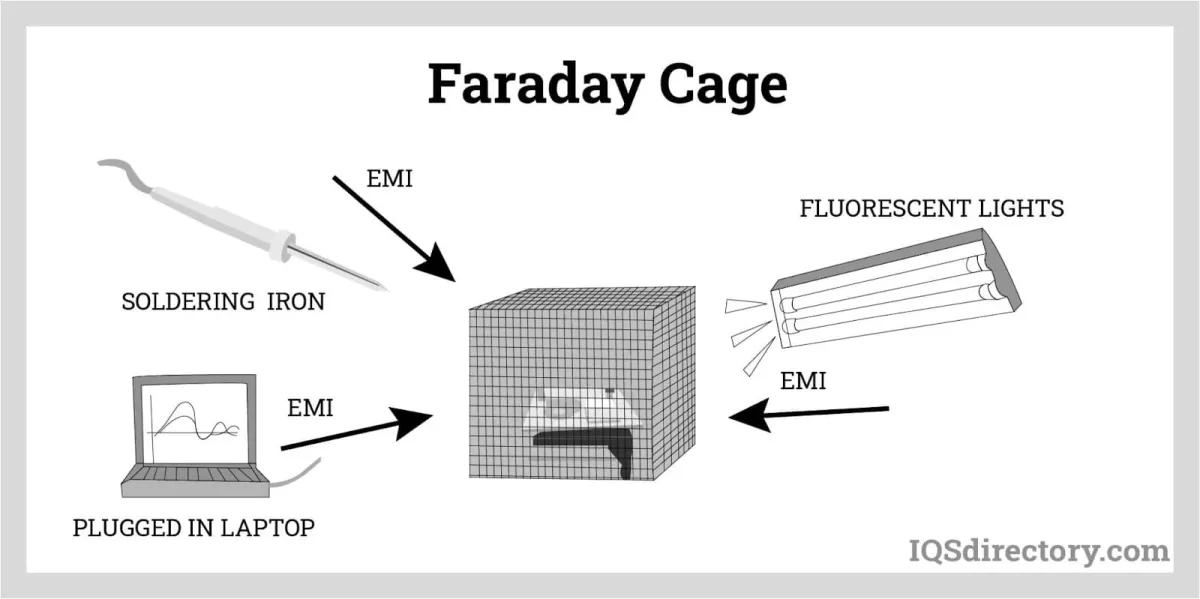 Photo: Faraday cage, via www.iqsdirectory.com
Building materials are the silent killers of indoor mobile reception. Modern energy-efficient glazing, in particular, contains a metallic coating that can reduce signal penetration by up to 20 decibels — essentially the difference between a usable connection and nothing at all. Older properties with thick stone or brick walls fare little better. And in densely packed urban areas, where tall buildings cluster together, signals bounce, scatter, and fade before they ever reach your living room.
The result is a yawning gap between what networks advertise and what customers actually experience — and the distinction between 'predicted' and 'verified' coverage is one that operators are in no rush to clarify.
Ofcom's Indoor Coverage Problem
You might assume that Ofcom, the UK's communications regulator, has firm rules requiring networks to deliver reliable indoor service. The reality is considerably murkier. The regulator does set coverage obligations — most recently updated as part of the Shared Rural Network programme — but these are almost entirely framed around outdoor coverage percentages. There is no hard regulatory requirement for operators to guarantee indoor signal to any specific standard.
 Photo: Shared Rural Network programme, via uploads-ssl.webflow.com
Ofcom has acknowledged the problem. Its Connected Nations reports consistently flag indoor coverage as an area of concern, and the regulator has pushed for more transparent data. Since 2019, Ofcom has required that networks publish both indoor and outdoor coverage predictions separately. But 'predictions' are still just that — educated guesses based on modelling, not real-world measurements taken inside actual homes.
Campaigners and consumer groups have long argued that this is simply not good enough. If a network can't reliably deliver service inside the property at your registered address, the argument goes, you should have meaningful grounds to exit your contract without penalty. Currently, that's a very difficult case to make.
The Femtocell Fix Networks Rarely Mention
So what can you actually do about it? One solution that exists — and that networks are remarkably reluctant to shout about — is the femtocell, sometimes called a signal booster or small cell. It's essentially a miniature mobile base station that connects to your home broadband and broadcasts a localised mobile signal within your property.
Several UK networks do offer these devices, often for free or at a modest cost, to customers who can demonstrate poor indoor coverage. EE, Vodafone, and Three have all provided femtocells at various points, though availability and eligibility criteria vary. The catch? You have to know to ask. These solutions are rarely promoted, and customer service advisers don't always volunteer the information unprompted.
The irony, of course, is that a femtocell routes your calls and data over your home broadband connection — meaning you're effectively subsidising your network's coverage gap with your own internet bill. Convenient for them.
Wi-Fi Calling: The Workaround That Works (Mostly)
A more accessible solution for most people is Wi-Fi calling, a feature now supported by all major UK networks and built into most modern smartphones. When enabled, your phone routes voice calls and texts over your home Wi-Fi connection rather than the mobile network, sidestepping the signal problem entirely.
It works well in the vast majority of cases and costs nothing extra — calls are charged at your standard plan rate. Setup is straightforward: on an iPhone, head to Settings > Phone > Wi-Fi Calling; on Android, the option typically lives in the Phone app settings or your network's dedicated settings menu.
The limitations are worth knowing, though. Emergency calls may not always route correctly over Wi-Fi Calling depending on your device and network configuration. And if your broadband connection is itself unreliable, you're simply trading one problem for another.
What You Should Do Right Now
If you're suffering from poor indoor signal, there are a few practical steps worth taking before you resign yourself to a two-year contract of window-lurking.
First, use Ofcom's own coverage checker at checker.ofcom.org.uk rather than your network's map — it aggregates data from all operators and gives you a more honest picture. Second, contact your network directly and explicitly ask about femtocell availability at your address. Use the words 'indoor coverage solution' — it tends to get a better response than simply complaining about bad signal.
Third, enable Wi-Fi calling on your device today if you haven't already. It's free, it works, and there's no good reason not to have it switched on.
And finally, if you're approaching a new contract, consider testing signal at your home address during any cooling-off period. Under Ofcom guidelines, you generally have 14 days to cancel a new contract without penalty — use that window to stress-test your signal before you're locked in.
The networks won't fix this problem overnight. But understanding exactly what you're paying for — and what you're not — is the first step to stopping the phantom coverage charge appearing on your monthly bill.